Code
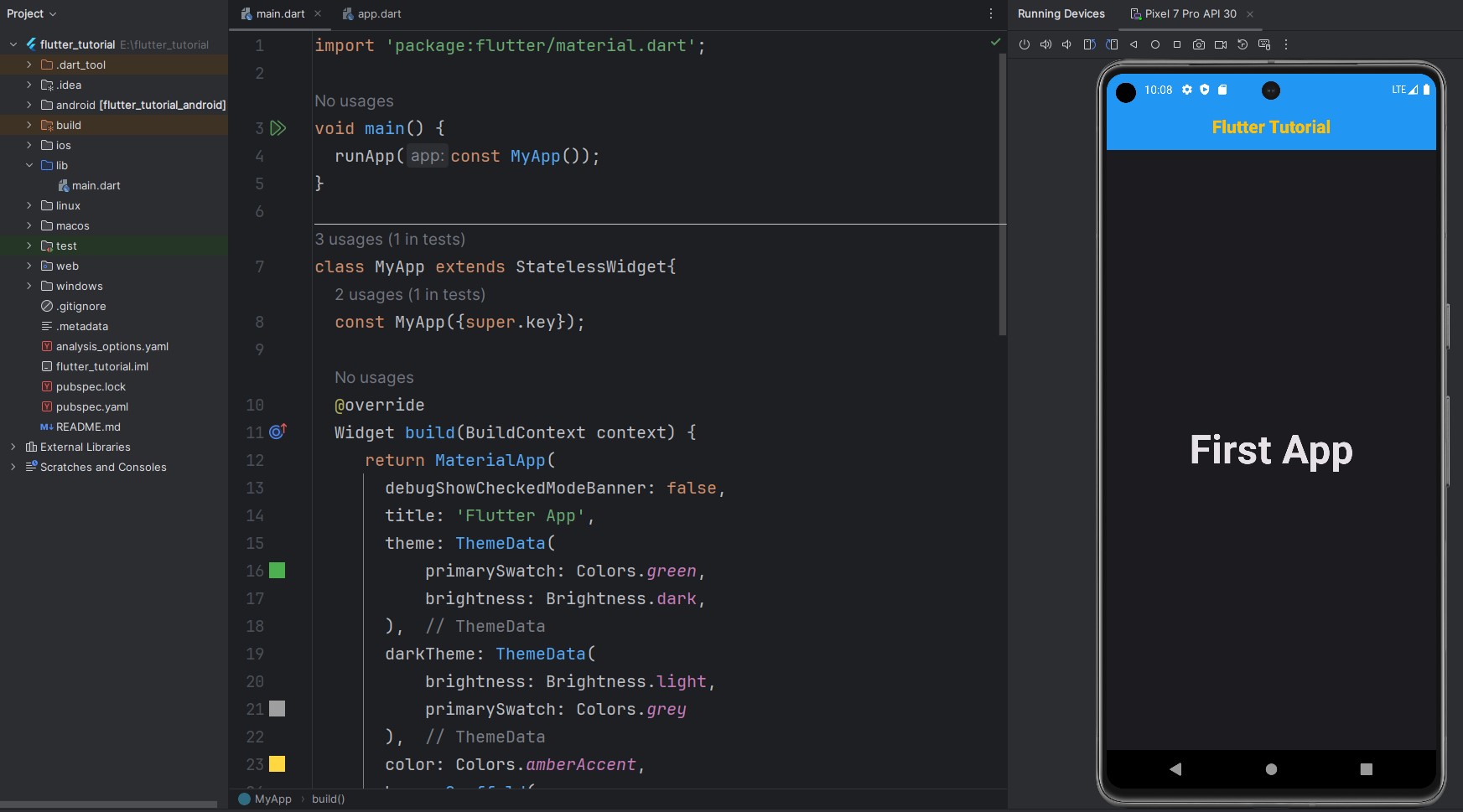
import 'package:flutter/material.dart';

void main() {
  runApp(const MyApp());
}

class MyApp extends StatelessWidget{
  const MyApp({super.key});

  @override
  Widget build(BuildContext context) {
     return MaterialApp(
       debugShowCheckedModeBanner: false,
       title: 'Flutter App',
       theme: ThemeData(
           primarySwatch: Colors.green,
           brightness: Brightness.dark,
       ),
       darkTheme: ThemeData(
           brightness: Brightness.light,
           primarySwatch: Colors.grey
       ),
       color: Colors.amberAccent,
       home: Scaffold(
         appBar: AppBar(
           centerTitle: true,
           backgroundColor: Colors.blue,
           title: const Text(
               'Flutter Tutorial',
             style: TextStyle(
               color: Colors.amber,
               fontWeight: FontWeight.w800,
             ),
           ),

         ),
         body: const MyHome(),
       )
     );
  }
}

class MyHome extends StatelessWidget{
  const MyHome({super.key});

  @override
  Widget build(BuildContext context) {
    return const Scaffold(
      body: Center(
        child: Text('First App',
          style: TextStyle(
            fontSize: 50,
            fontWeight: FontWeight.w700,
          ),
        ),
      ),
    );
  }
}
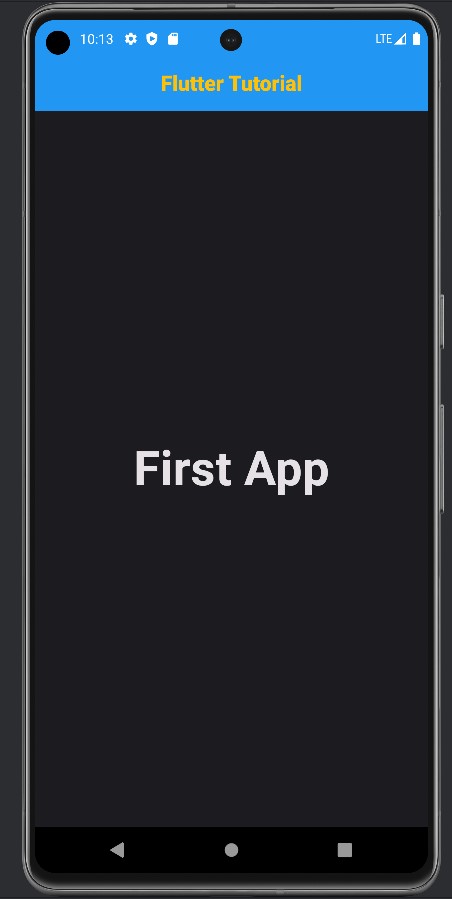
OutPut