import 'package:flutter/material.dart';

void main() {
  runApp(const MyApp());
}

class MyApp extends StatelessWidget {
  const MyApp({super.key});

  @override
  Widget build(BuildContext context) {
    return MaterialApp(
      debugShowCheckedModeBanner: false,
      title: 'Container',
      theme: ThemeData(
        primarySwatch: Colors.blue,
      ),
      home: Scaffold(
        appBar: AppBar(
          centerTitle: true,
          backgroundColor: Colors.deepPurple,
          title: const Text('Flutter Container', style: TextStyle(color: Colors.white, fontWeight: FontWeight.bold, fontSize: 30),),
        ),
        body: const Center(
          child: FlutterContainer(),
        ),
      ),
    );
  }
}

class FlutterContainer extends StatelessWidget {
  const FlutterContainer({super.key});

  @override
  Widget build(BuildContext context) {
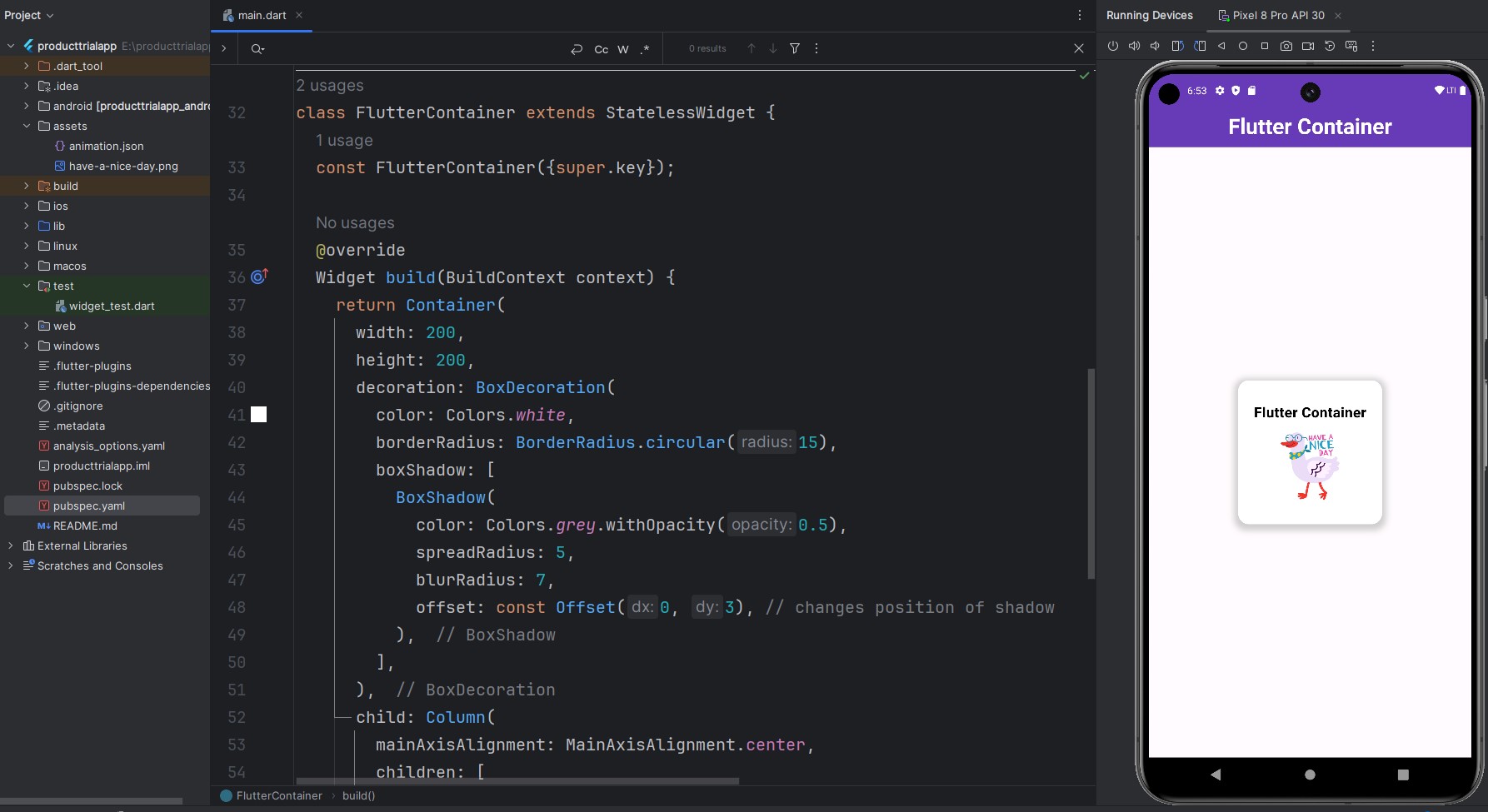
    return Container(
      width: 200,
      height: 200,
      decoration: BoxDecoration(
        color: Colors.white,
        borderRadius: BorderRadius.circular(15),
        boxShadow: [
          BoxShadow(
            color: Colors.grey.withOpacity(0.5),
            spreadRadius: 5,
            blurRadius: 7,
            offset: const Offset(0, 3), // changes position of shadow
          ),
        ],
      ),
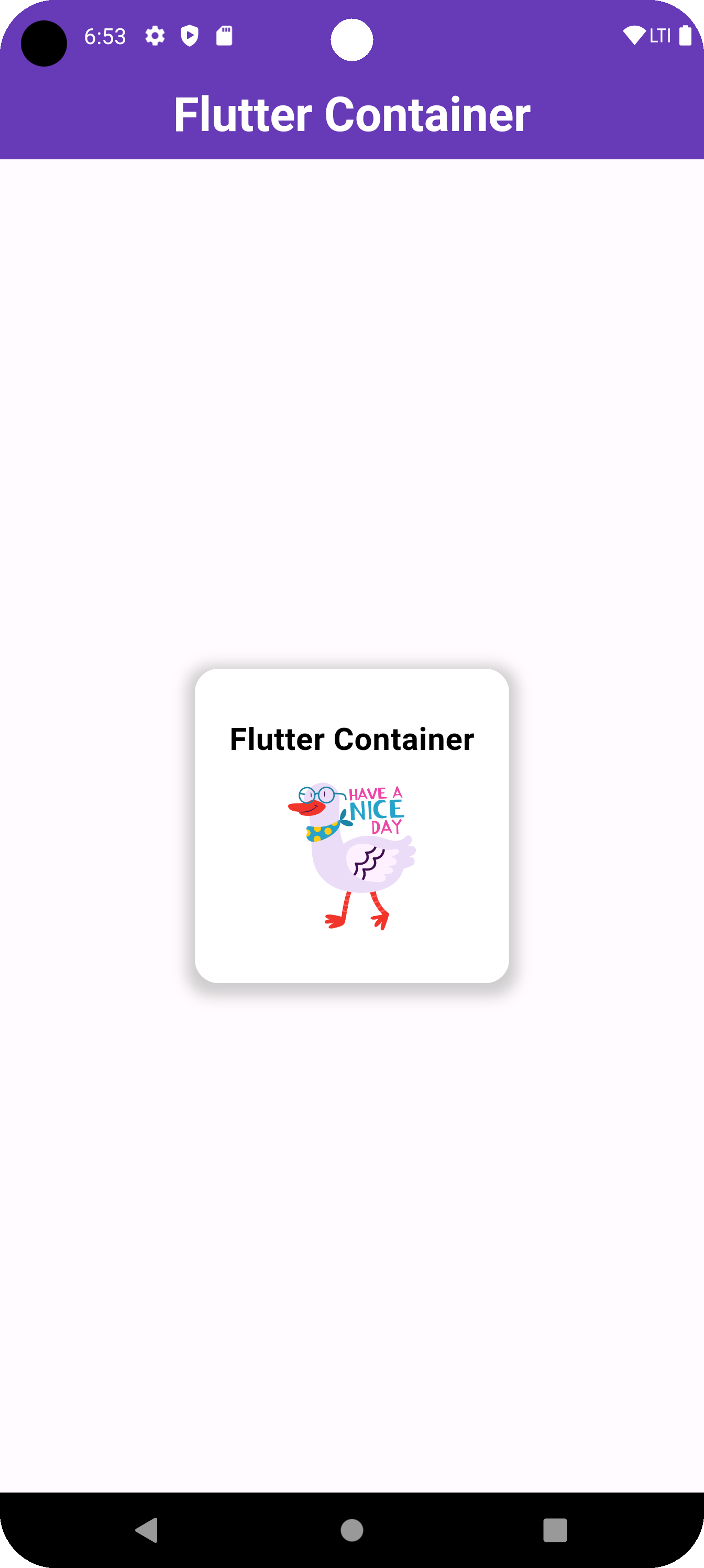
      child: Column(
        mainAxisAlignment: MainAxisAlignment.center,
        children: [
          const Text(
            'Flutter Container',
            style: TextStyle(
              fontSize: 20,
              fontWeight: FontWeight.bold,
              color: Colors.black,
            ),
          ),
          const SizedBox(height: 10),
          Image.asset(
            'assets/have-a-nice-day.png', // path to your image asset
            width: 100,
            height: 100,
          ),
        ],
      ),
    );
  }
}